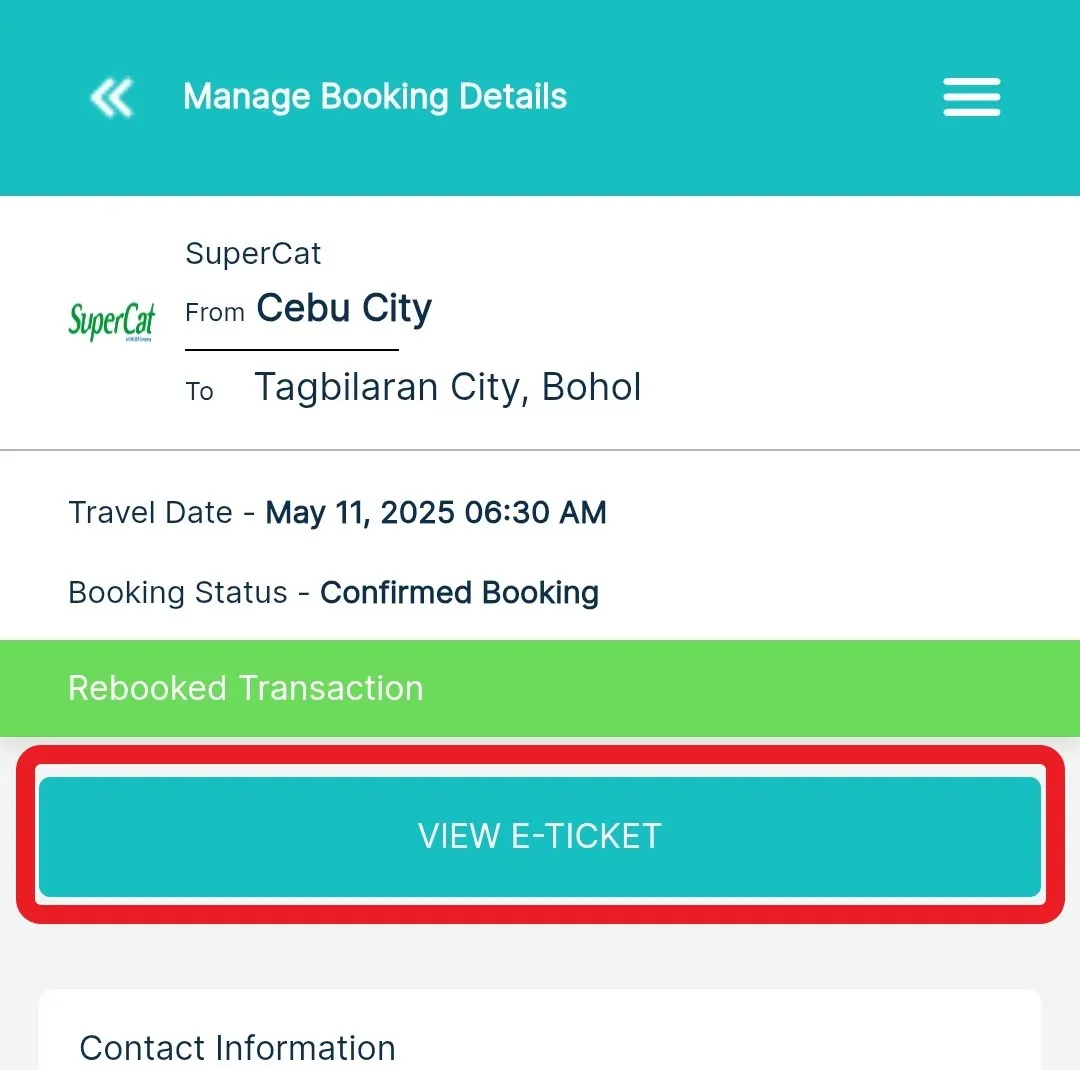

Get a Copy of Your E-ticket
Barkota Online Booking
-
Log-in to your Barkota account
-
Go to Manage Booking
-
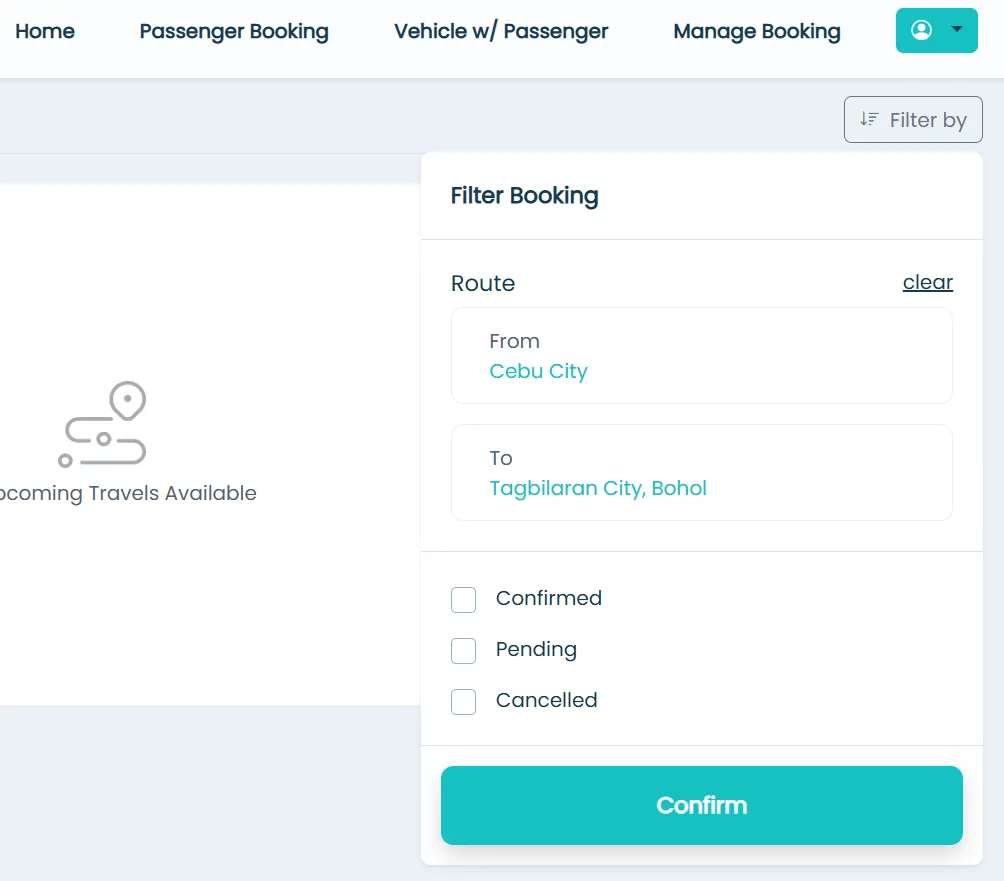
Find your booking
Use the filters to narrow down your bookings. Once you’ve found the right one, click Manage.

-
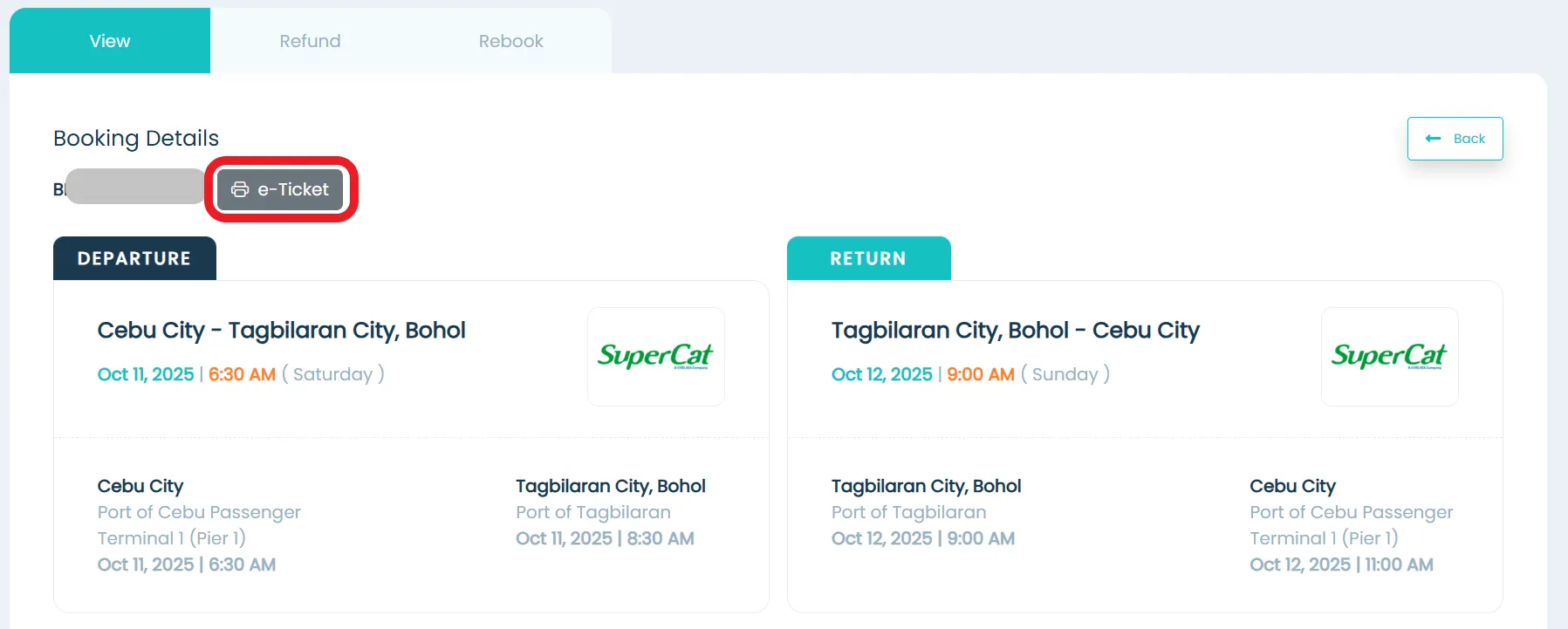
View your e-ticket
Click the e-ticket button to open or download your e-ticket.
Barkota Mobile App
-
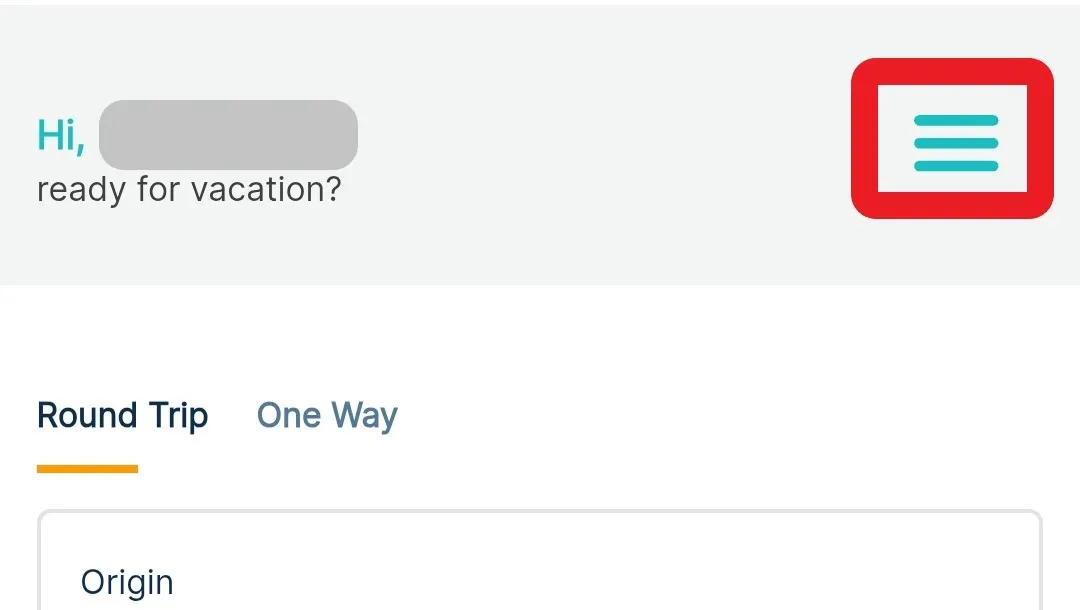
Open the menu
Tap the three horizontal lines icon (☰) in the upper-right corner of the screen.
-
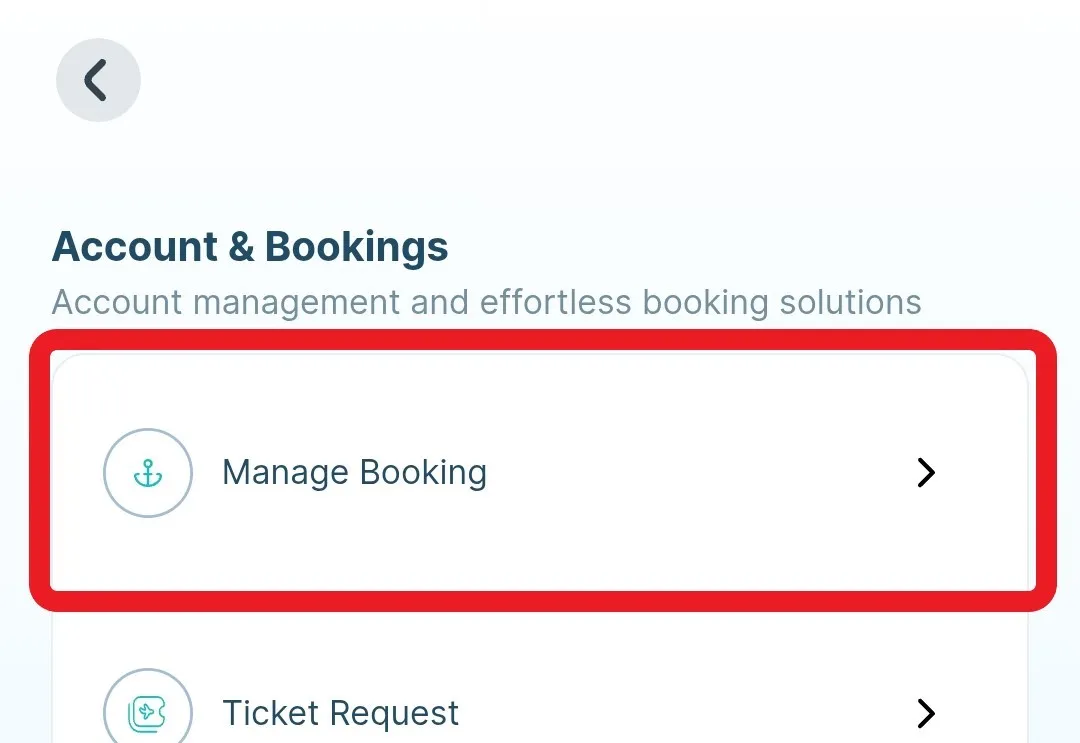
Go to Manage Booking
Tap Manage Booking from the menu.
-
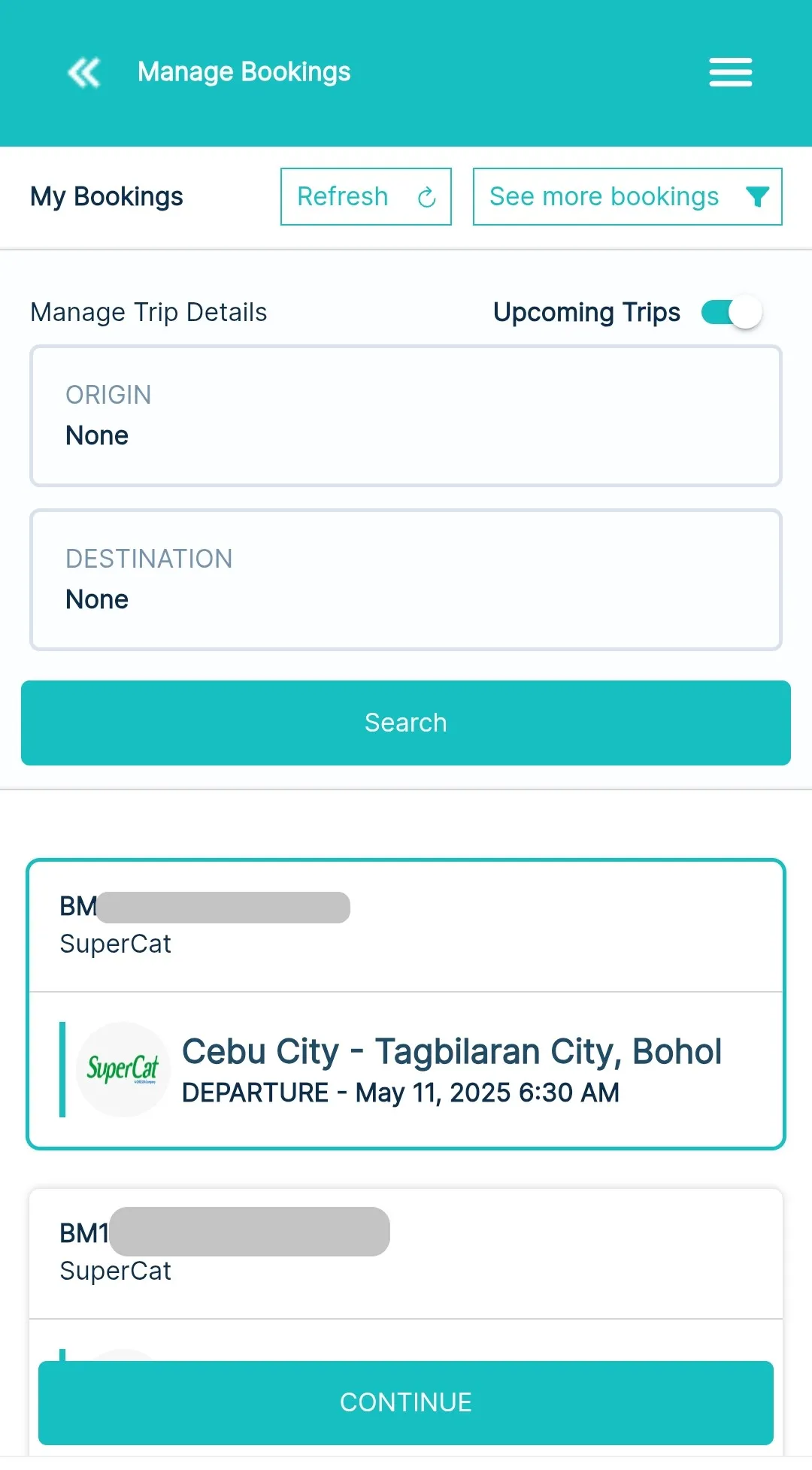
Find your booking
Use the filters to narrow down your bookings. Once you’ve found the right one, tap Continue.
-
View your e-ticket
Tap the View E-ticket button to open or download your e-ticket.